


How to clean a laptop keyboard: A quick guide for regular cleaning
|
|
Time to read 5 min
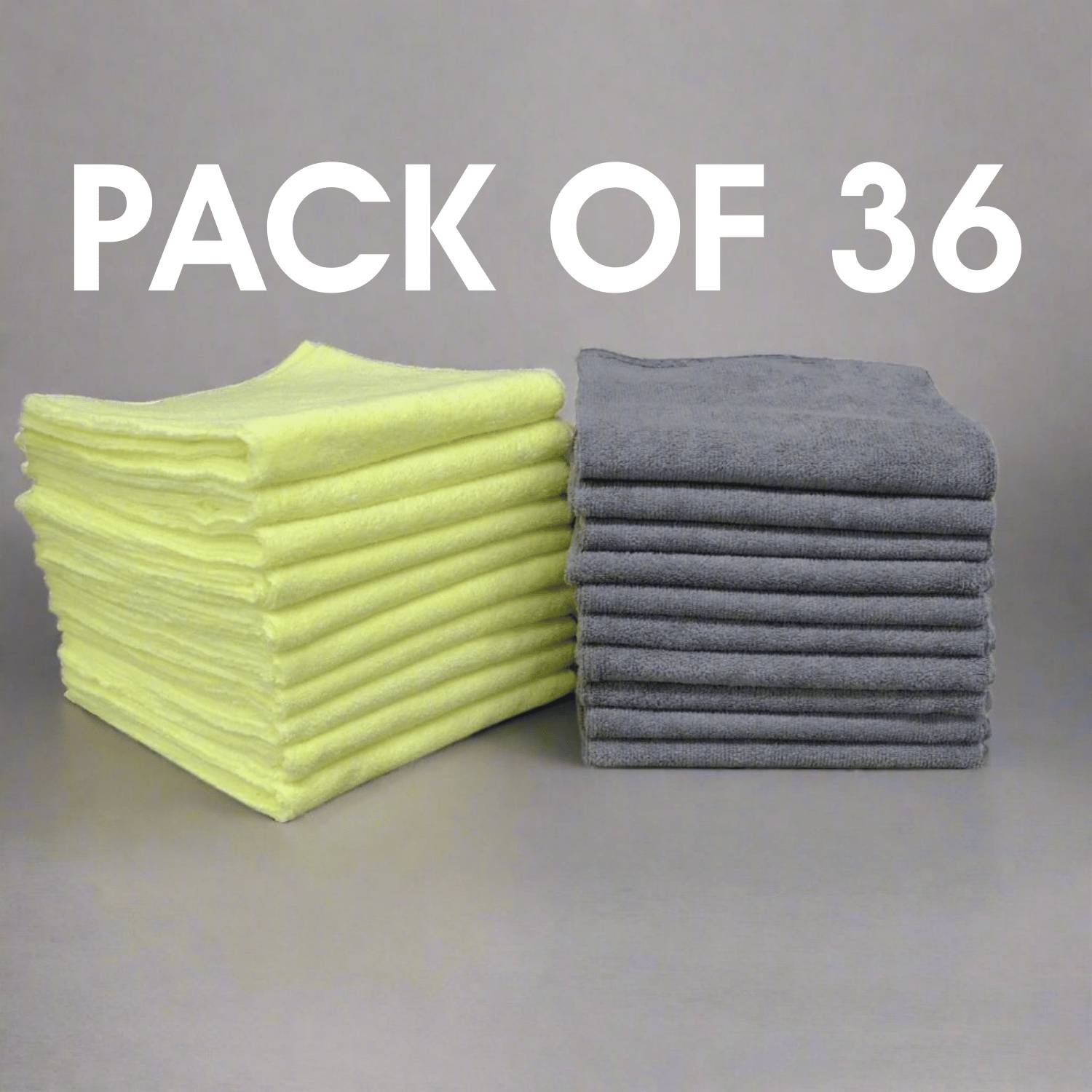
 40 x 40 cm
 Pack of 36
 Edgeless
|
|
Time to read 5 min
You’re not going to like this, but your laptop keyboard is significantly dirtier than you think! Only 1 in 5 people 1 clean their keyboards even once a month, and more than 10% never clean their keyboards. They’re a hotbed of bacterial activity, and by the end of today, the total bacterial count on your keyboard will increase by anywhere from 19% to 31% 2 .
If that’s not enough reason to trigger an immediate emergency cleansing, also consider that a clean laptop keyboard can help prevent long-term damage by removing dust, debris, and crumbs that can get stuck under the keys; help reduce allergen exposure, such as dust, pet hair, and pollen; and keep your trackpad healthy by removing grime that makes it unresponsive.
In this guide, we’ll show you how to quickly and effectively clean your laptop keyboard, protecting you and your device. Whether working from home, an avid gamer, or just like browsing the web on a clean keyboard, you’ll see how easy it is to keep yours in pristine condition with just a little bit of work every now and then.
With the right tools on hand, cleaning a laptop keyboard is fairly straightforward. With the wrong equipment, it’s an uphill battle of frustration. We recommend putting together a homebrew keyboard cleaning kit to make regular cleaning that much easier.
Your go-to for cleaning many household surfaces, microfibre cloths are perfect for sensitive electronics. Used dry, they electrostatically attract and trap dust and small particles; they’re soft, lint-free, and non-abrasive; and perfectly suited for cleaning tougher grime with just a bit of moisture.
Check out our selection of premium microfibre cloths to make household cleaning a breeze.
A soft bristle or keyboard cleaning brush is ideal for sweeping away debris between keys, dislodging pet hair, crumbs, and dust stuck in hard-to-reach spaces under the keys. Makeup brushes are ideal, but make sure they’re completely clean.
Both disinfects keyboards and helps to remove stubborn or rub-resistant grime.
A can of compressed air can blow out particles from hard-to-reach spaces without having to disassemble the keys. Not 100% necessary for regular cleaning, but good to use if available.
It can be tempting to just run a microfibre cloth over your keyboard while it’s on. While this cleansa keyboard in no more than a few seconds, it’s unlikely to be enough. Powering down and unplugging your keyboard allows for a more thorough cleaning and prevents accidental short circuits.
With your laptop open and the keyboard facing downward, gently shake your laptop while lightly tapping it on the back to dislodge loose crumbs and debris. You’ll be surprised at what comes out, even if you don’t eat at your desk.
Use a soft-bristled, keyboard-cleaning, or makeup brush to sweep between and around the keys. Brush in random directions to dislodge dust and hair from underneath the keys.
If you have a can of compressed air, hold the nozzle close to the bottom of the keys and apply short bursts to remove any remaining dust and particles. Make sure to keep the can upright to avoid expelling moisture.
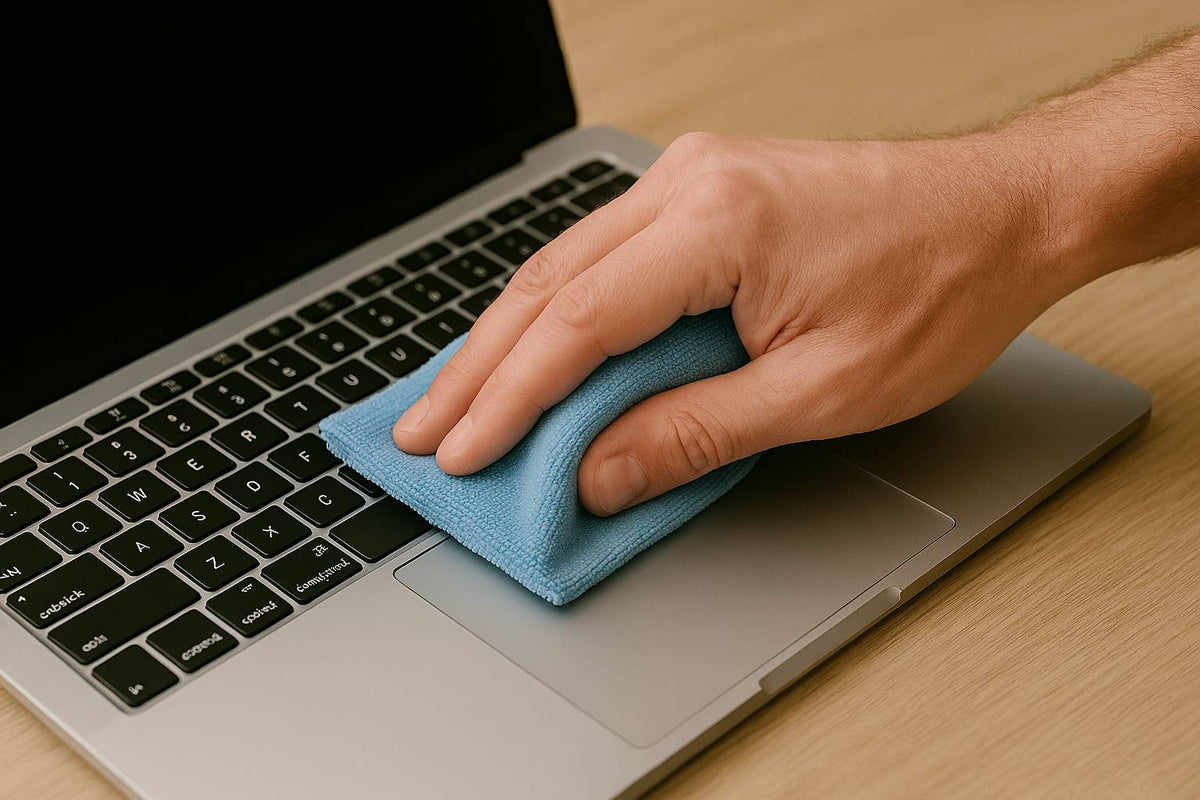
Gently wipe the entire surface of your keyboard using a dry microfibre cloth. Thanks to the electrostatic properties of microfiber, this will lift off dust, smudges, and even oils left by your fingers.
To remove any remaining grime, dampen a corner of the microfibre cloth with isopropyl alcohol—never pour it directly onto your keyboard. Rub gently to remove any stubborn grime, then disinfect by wiping down the tops of the keys. For an even deeper clean, you can dip cotton swabs into the alcohol to clean the spaces between keys.
Allow the keyboard to fully dry before plugging it back in.
While cleaning your laptop keyboard is fairly straightforward, the wrong move can quickly lead to expensive repairs. When cleaning your laptop keyboard:
Dampen the corner of a cloth, making sure it’s not wet enough for liquid to seep from it.
Harsh chemicals may remove the keyboard characters.
You may harm the keycaps’ mechanisms or, worse, rip the keycaps off the keyboard if your cloth gets snagged.
While removing the keys allows for an even deeper clean, replacing them can be very tricky without the right tools and know-how.
Ideally, you should clean your laptop keyboard once a week to prevent buildup of dust, crumbs, and bacteria. At minimum, aim for once a month if you're not eating or drinking near your device.
Only if they’re approved for electronics. Avoid wipes containing bleach or ammonia, as these can damage the key labels and surface. A better option is to dampen a microfibre cloth with 70% isopropyl alcohol.
Use a soft-bristle brush or keyboard cleaning brush to dislodge dust and debris. A can of compressed air can also help remove particles from underneath the keys without disassembly.
Never apply water directly to your keyboard. If needed, lightly dampen a microfibre cloth with distilled water or isopropyl alcohol — making sure it’s not dripping — and gently wipe the keys.
70% isopropyl alcohol is safe for electronics, evaporates quickly, disinfects surfaces, and breaks down grime. Just make sure to use it sparingly and never pour it directly onto your device.
Only if you’re confident in how to remove and reinstall them. On many laptops, key removal can be tricky and may void your warranty or cause damage.
Avoid using a regular vacuum, as it can create static electricity and damage your device. If you do use one, make sure it's an anti-static electronics vacuum designed for delicate hardware.
Avoid eating over your keyboard, wash your hands regularly, and do light weekly cleaning with a microfibre cloth and brush. You can also use a keyboard cover for added protection.
Paragon Microfibre is a leading UK supplier of premium microfibre products, covering everything from household cleaning to industrial use. From cleaning laptop keyboards to computer screens and other sensitive electronics, our microfibre products are built to deliver results. They’re 100% lint-free, made to last up to 500 machine wash cycles, and retain their cleaning power and absorption for years. Think Paragon for all your microfibre needs.
Sources:
Works Cited
1. Jones, Sam. “Filthy as a loo seat: hazard of computer keyboards.” The Guardian, The Guardian, 1 May 2008,
https://www.theguardian.com/technology/2008/may/01/computing.health. Accessed 17 April 2025.
2. Smith, Sandy. “The Dirty Truth about your Desk.” EHS Today, EHS Today, 29 March 2002,
https://www.ehstoday.com/archive/article/21904825/the-dirty-truth-about-your-desk. Accessed 17 April 2025.


